Sign in and get back in
How to sign in to the operator with an emailed code or with Google, what to do if the code does not arrive or you cannot get in, and how to sign out.
Piqero does not use passwords. To get in you need your account's email and the 6-digit code Piqero sends you each time, or your Google account. That is why there is no "forgot my password": getting back in means asking for a new code.
Sign in with an emailed code
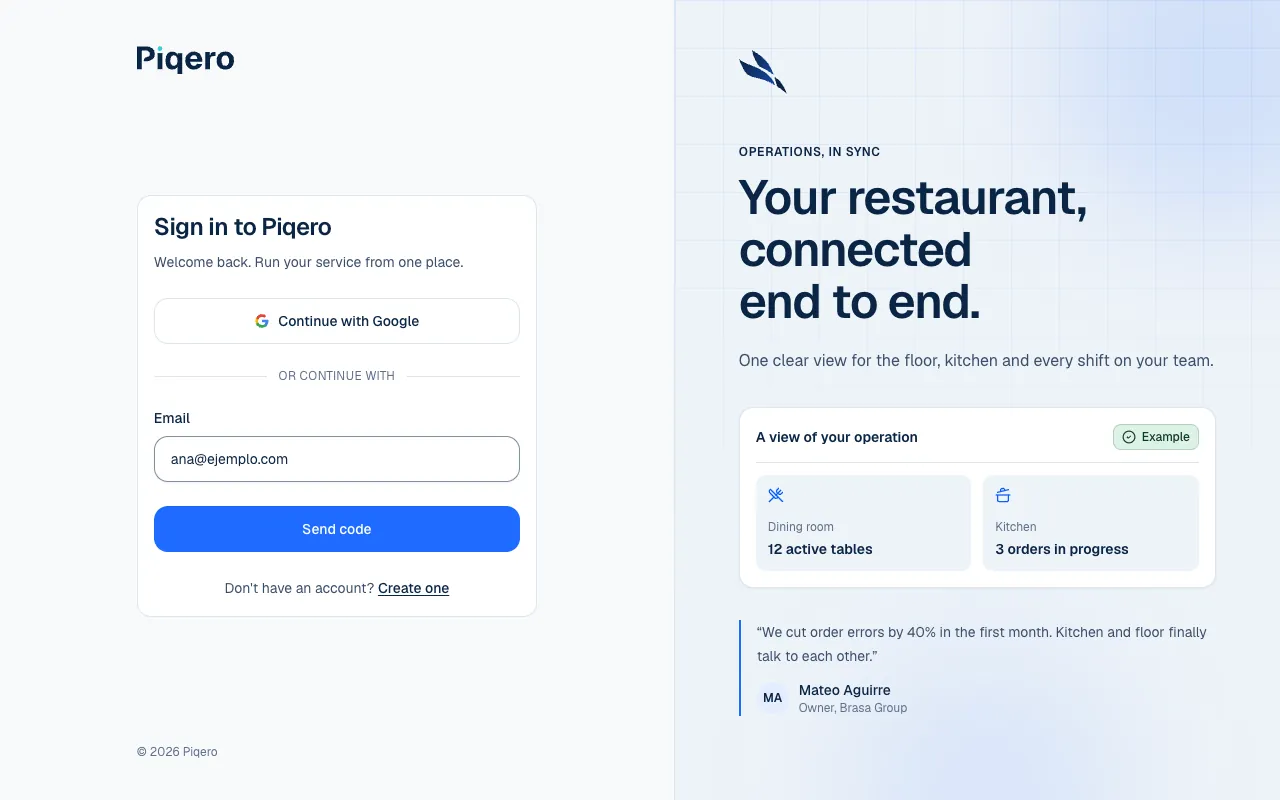
- Go to dash.piqero.app (opens in a new tab). If you have no open session, you will see Sign in to Piqero.
- Enter your Email and select Send code.
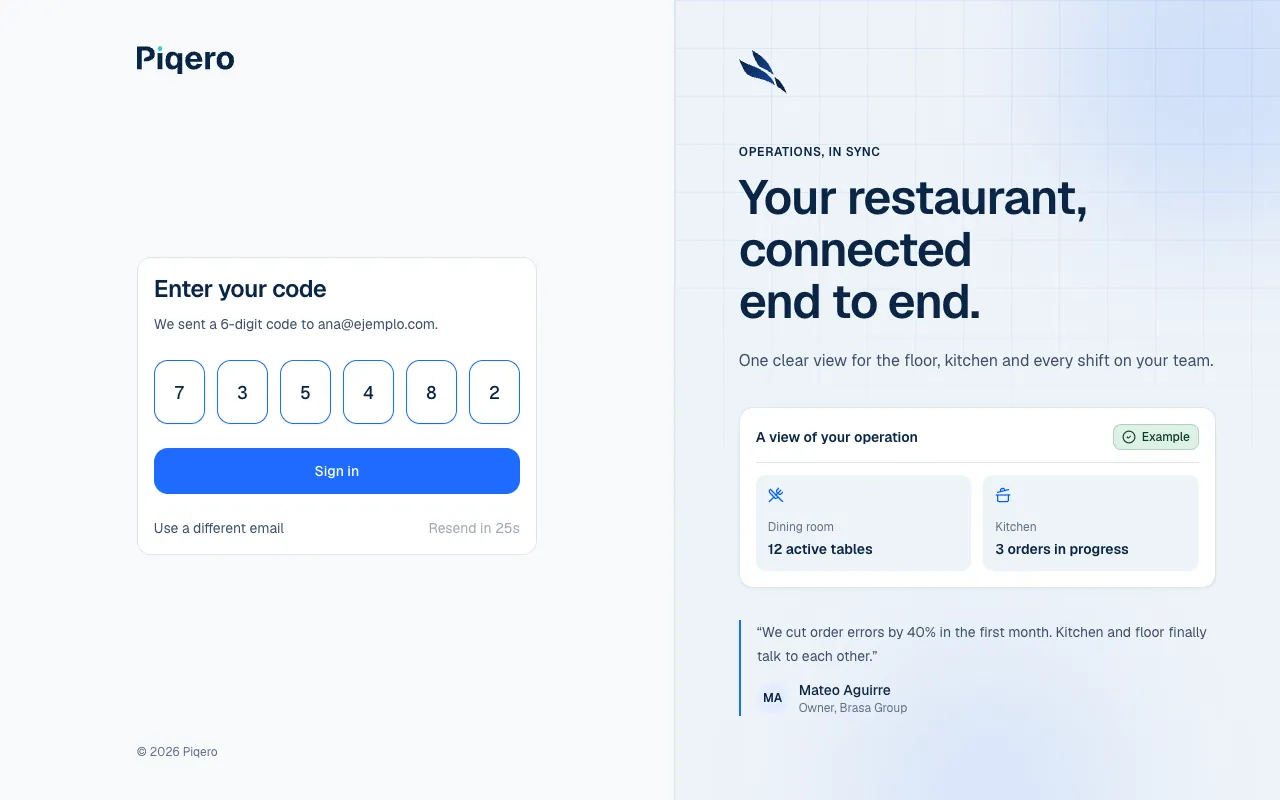
- Open your inbox: a 6-digit code arrived, valid for 15 minutes.
- Enter it under Enter your code and select Sign in.
Once you are in, Piqero takes you to the place where you work. If you came from a link, such as a team invitation, you go back to that link. If your account has no organization yet, you see How do you want to start?: Create your account and organization explains it.
Sign in with Google
On the sign-in screen select Continue with Google and choose your Google account. Use the one that matches the email you work with on Piqero.
If the code does not arrive
- Check your spam folder and confirm the email you typed is the right one. If you made a typo, select Use a different email.
- Wait for the countdown (Resend in 30s) and select Resend code.
- If you see Too many requests. Please wait a moment before resending., wait a while before asking for another code.
- If you see That code is invalid or expired., ask for a new one with Resend code. Each code is valid for 15 minutes.
If you cannot get in
| What you see | What it means | What to do |
|---|---|---|
| No account exists for this email. Create one instead. | That email has no Piqero account. | Try the email you were registered or invited with. If you have no account, select Create one. |
| You don't have access to any places | You are still in the organization, but no places are available to you. | Ask whoever manages your organization to assign you a role or restore your access. They do it in Invite and manage members. |
| This invitation expired | Invitations are valid for 7 days. | Ask whoever invited you to send a new one. |
| This invitation can no longer be accepted | The organization or place you were invited to is archived. | Talk to whoever invited you. |
| You're already in another organization | An account belongs to one organization. | Sign in with another account, with a different email. |
If you work for more than one group, each one needs its own account: use a different email in each case. To check which account you signed in with, open My account.
If you no longer have access to your email
The code always goes to your account's email, and to change that email from My account you first have to confirm a code at the current one (Your account). If you can no longer open that inbox, there is no way to get in from the screen: email support@piqero.app (opens in a new tab) and tell us what happened. Help and support lists what to include.
Sign out
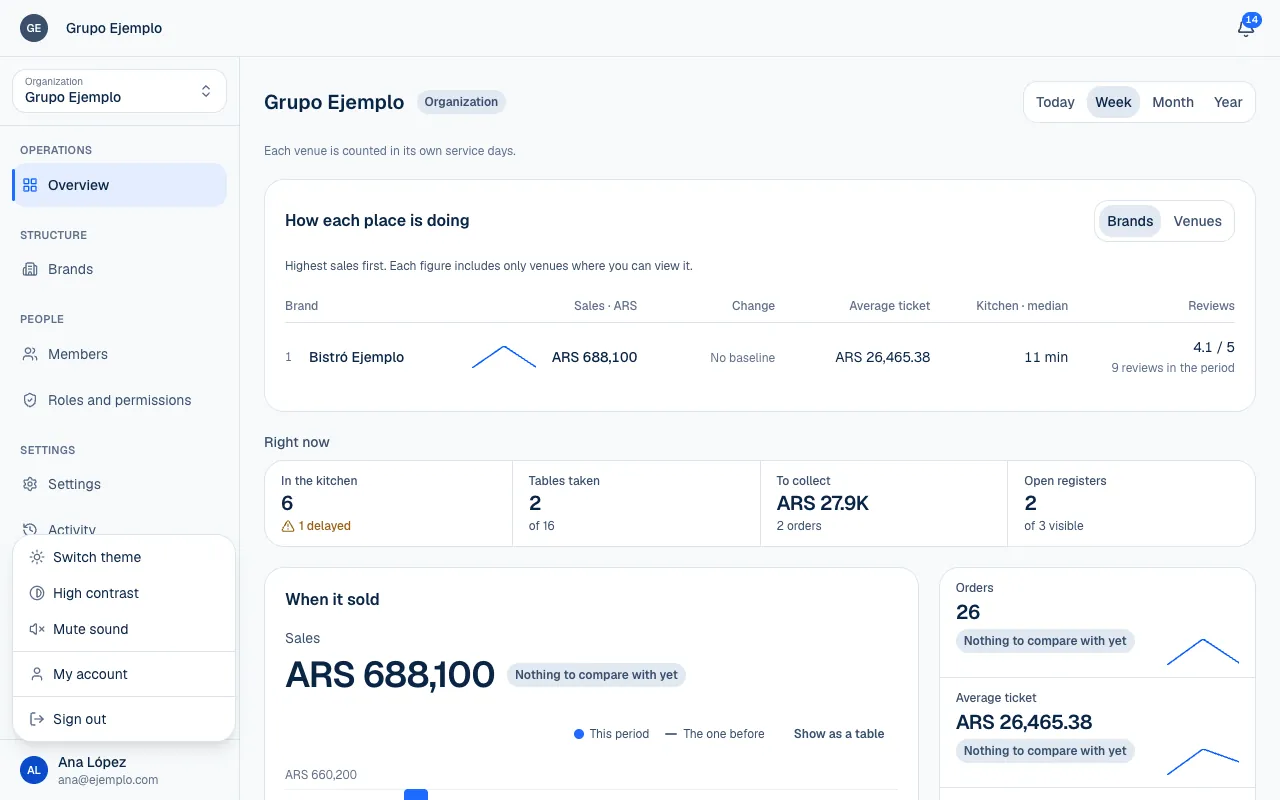
In the user menu, choose Sign out. A session lasts up to 7 days and renews while you use it. From My account → Sessions you can see the devices where your account is signed in and sign out of any you do not recognize.